
Free on iPhone
The AI cleaning app that turns a photo of your room into a plan
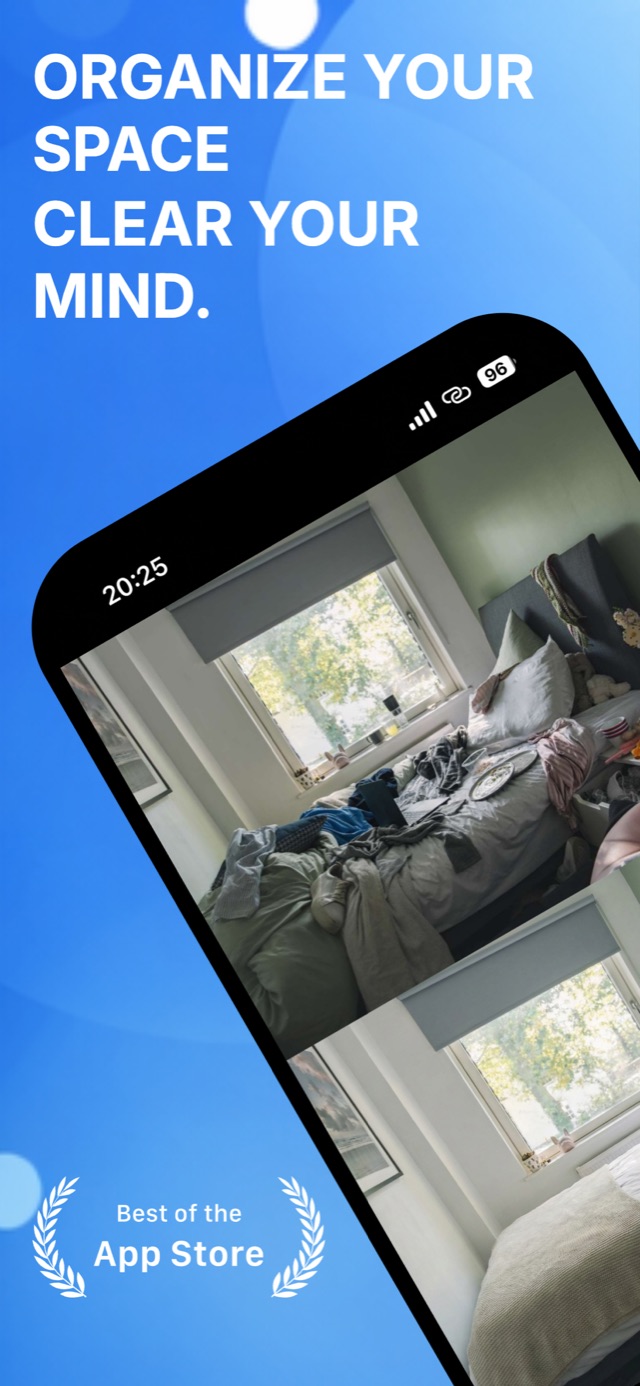
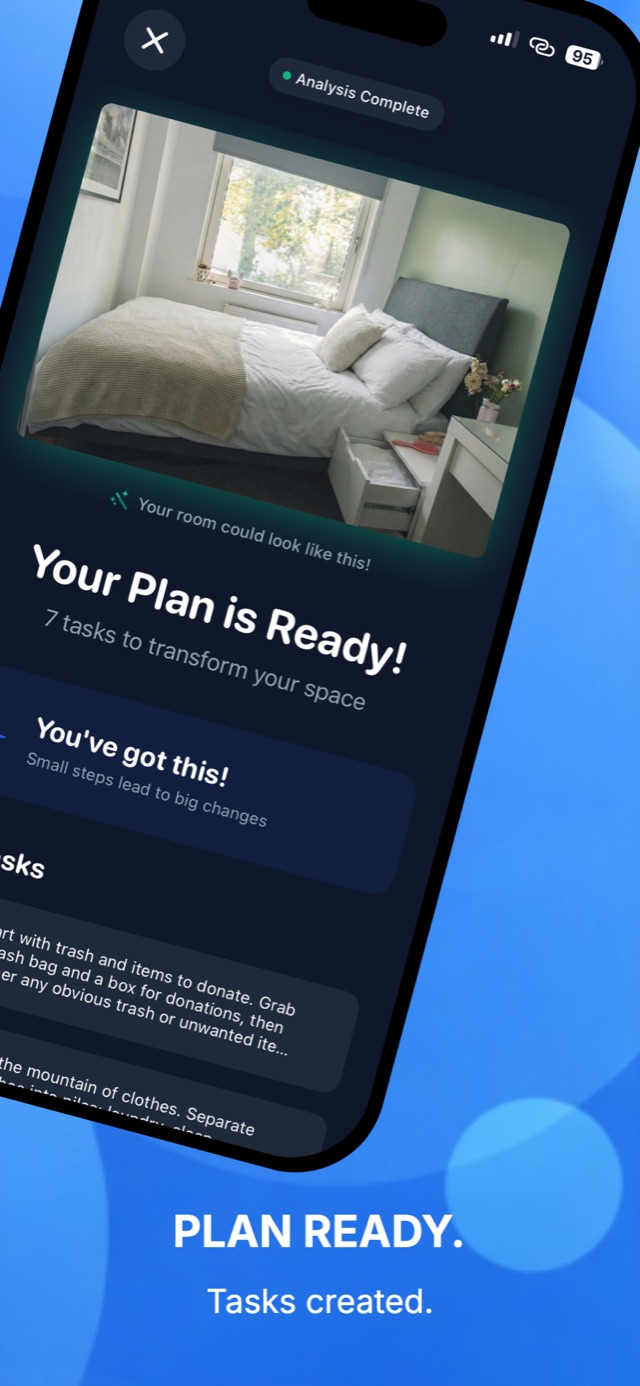
Photograph the mess. Declutter reads the room, shows you how it could look, and hands you five to nine tasks in the order that clears it fastest. One task on screen at a time, so there is nothing to decide.
- Built for ADHD and low-energy days
- Micro-tasks when the full plan is too much
- Before and after preview of your own room
How it works
- 01
Photograph the room
Camera or gallery, one wide shot. Good light helps the analysis, but a normal phone photo of a normal messy room is what it expects.
- 02
AI reads the space
It picks out the cluttered zones, the surfaces and the room layout, then works out what has to happen first.
- 03
See the after picture
A preview of the same room, cleared. It is the part people say gets them off the sofa.
- 04
Work one task at a time
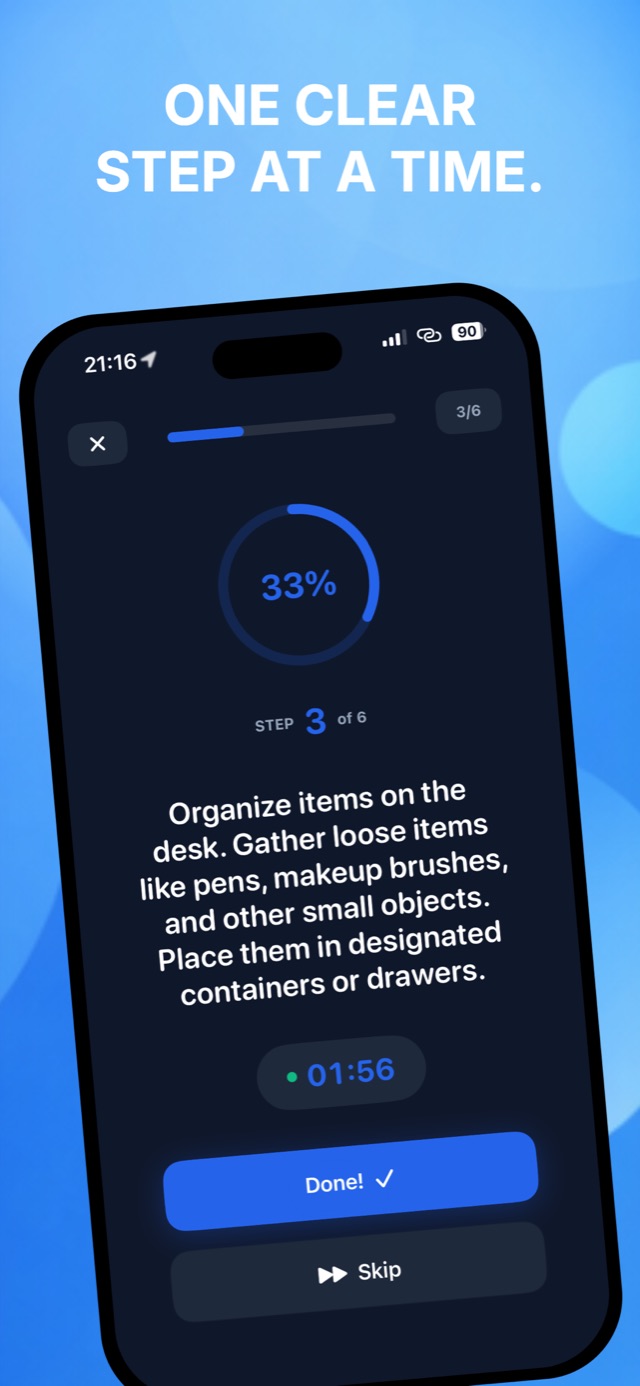
The plan arrives as five to nine ordered tasks. The app shows you one, with a timer if you want it, and you tap Done.
What the app looks like
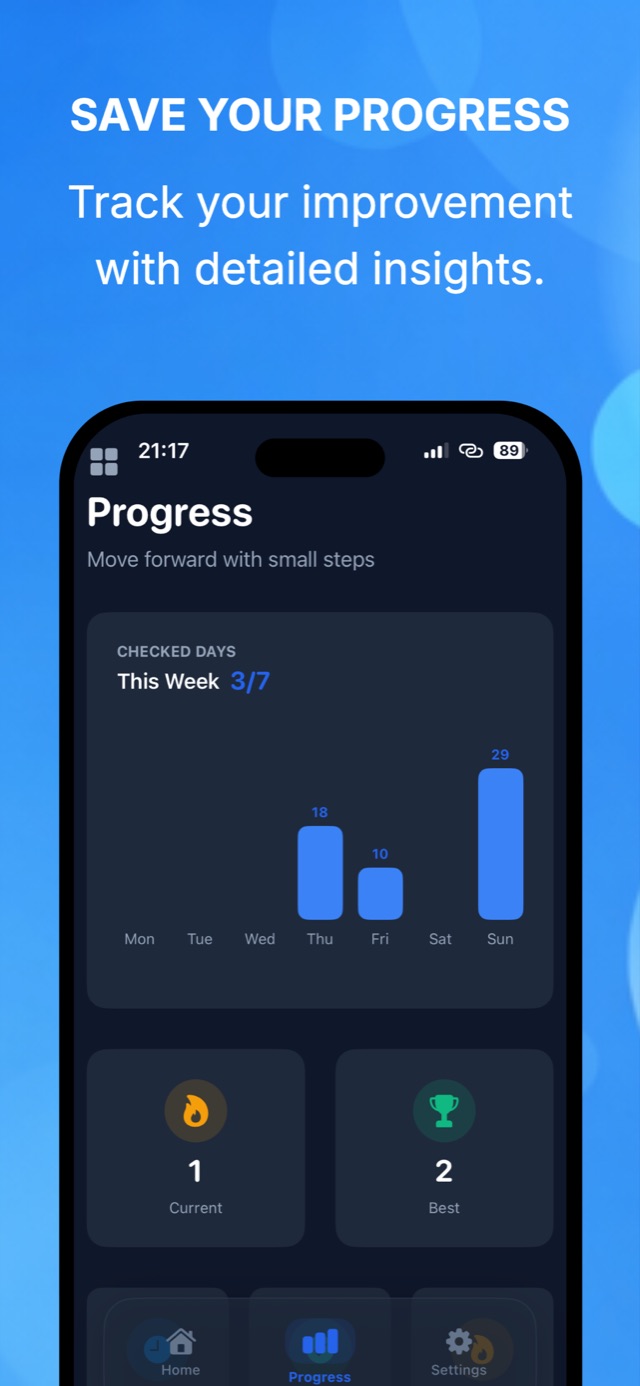
Why a generated plan beats a cleaning checklist
A plan built for your actual room
Generic cleaning checklists tell you to wipe baseboards you cannot see under the laundry. The tasks here come from your photo, so they name the pile that is actually there.
ADHD-friendly by design
One task visible at a time, no scrolling list of everything left to do, and a Skip button that carries no penalty. Task initiation is the hard part, so the app makes the first step small enough to start.
Micro-tasks for bad days
On low-energy days you can ask for the two-minute version. Clearing one surface counts as a finished session.
Timed focus sessions
Optional countdown per task. It borrows the useful half of the Pomodoro idea without the ceremony.
Progress you can look back at
Checked days, a weekly chart and a streak. Evidence that you did clean last Thursday, which is hard to remember when the room is messy again.
Every room, not just bedrooms
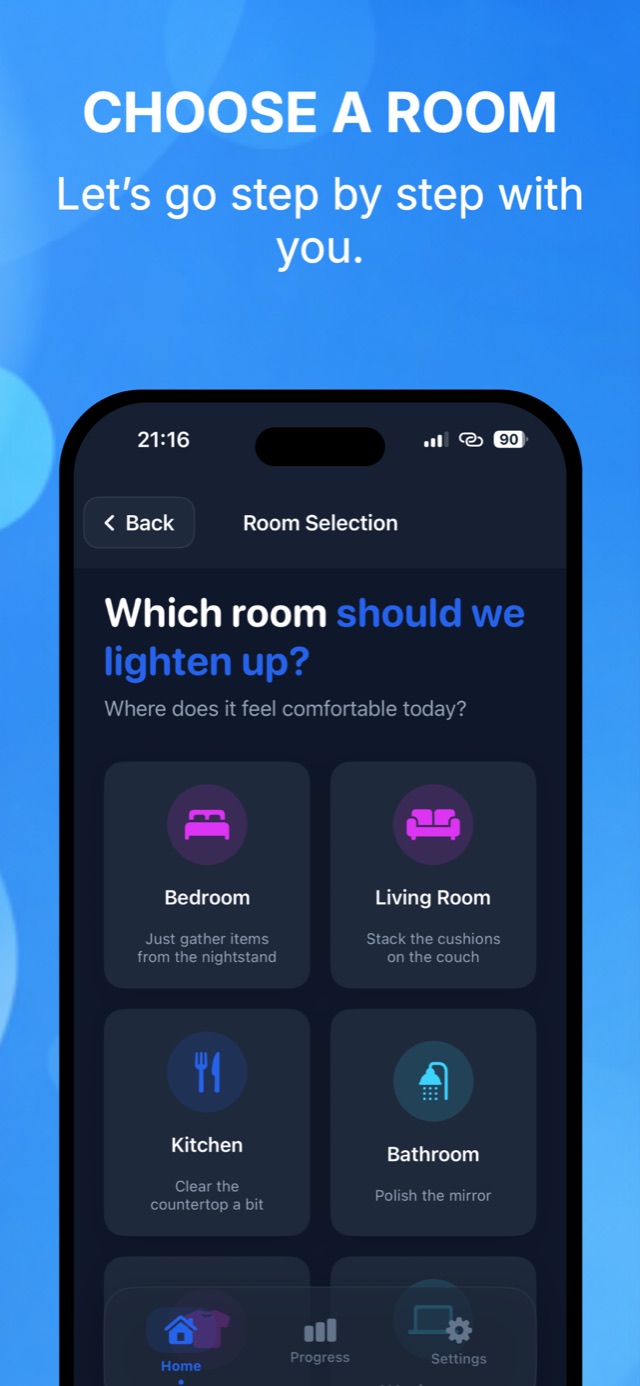
Bedroom, living room, kitchen, bathroom, and the desk that has become a shelf.
Decluttering guides
Practical write-ups for the situations people actually get stuck in, written around the same order of operations the app uses.
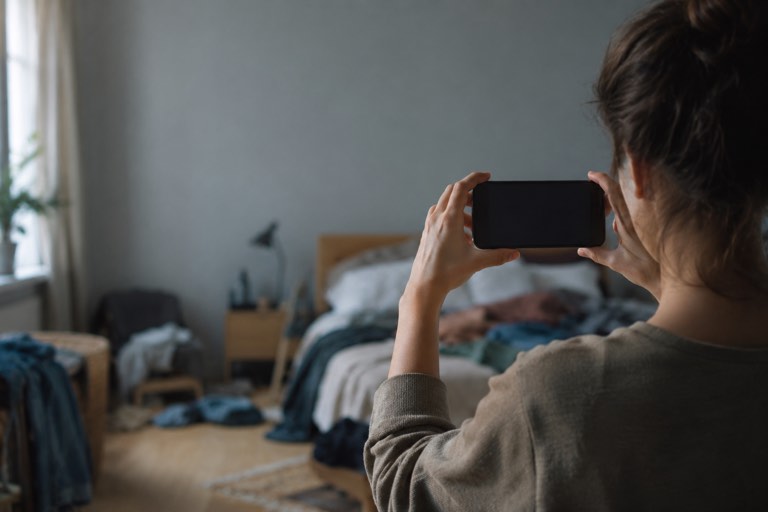
Is There an App That Tells You What to Clean?
Yes. Declutter reads a photo of your room, previews it cleared, and generates the ordered task list. How photo-based cleaning apps differ from checklist apps.
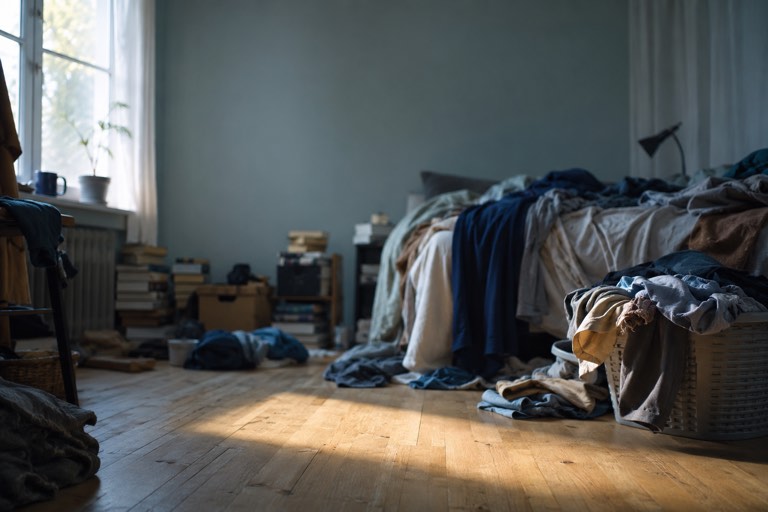
How to Declutter When You Feel Overwhelmed
Start with one small patch of floor and collect only trash. A practical order of operations for decluttering when the mess has stopped you moving.
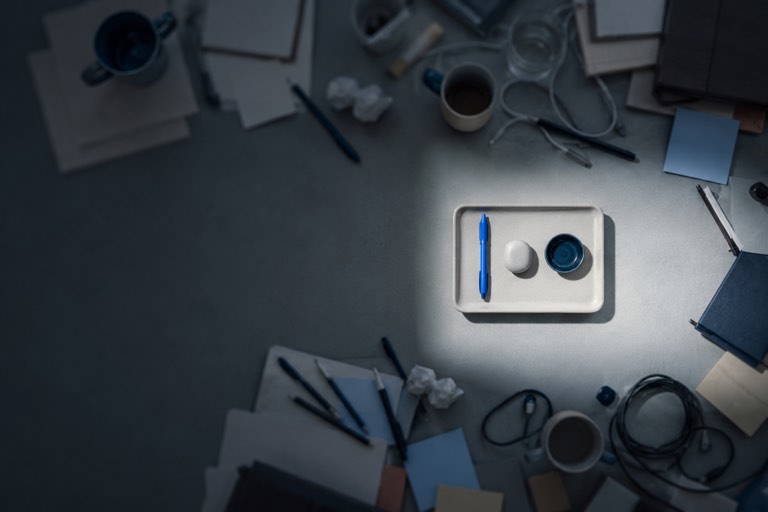
How to Clean Your Room With ADHD
ADHD cleaning fails at task initiation and sequencing, not effort. Externalise both: one visible task, a fixed order, a timer, and permission to skip.
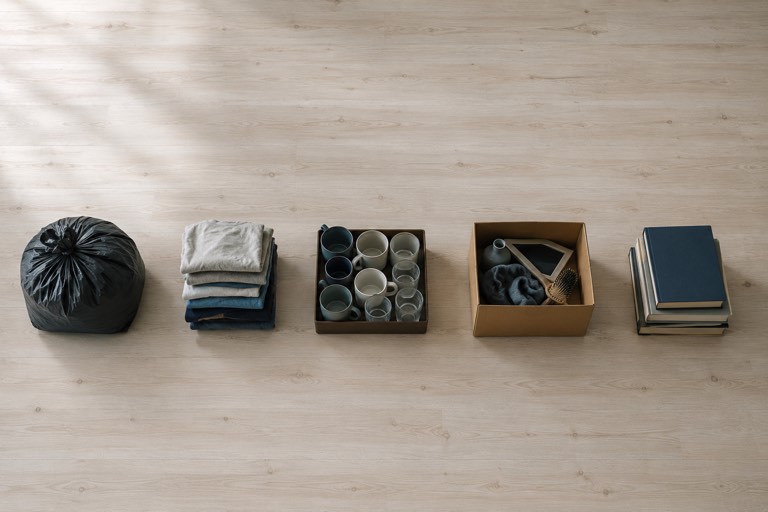
How to Clean a Messy Room Fast (In Order)
The fastest clean is the one with no decisions in it. Trash, laundry, dishes, strays, surfaces, floor. Here is the order and why it beats cleaning at random.
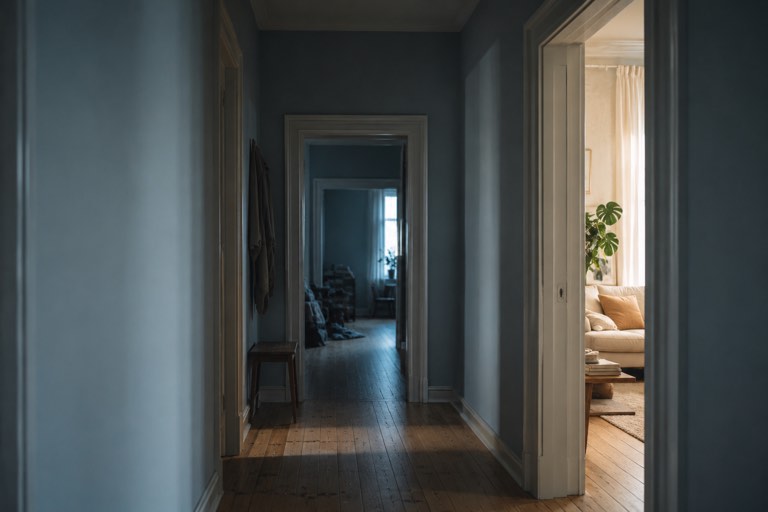
Where to Start Decluttering Your House
Start in the room you see most, on the flattest surface in it. A room-by-room order for decluttering a whole house without stalling in week one.
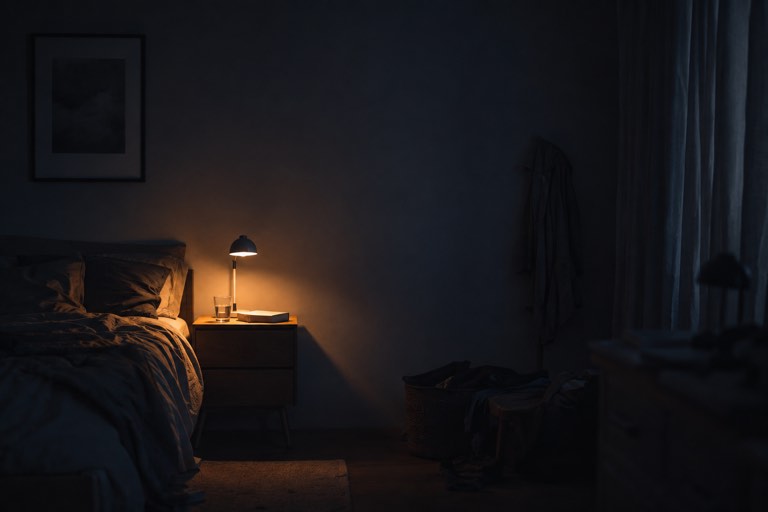
How to Clean When You Are Depressed
Lower the target until it is something you can do today. Micro-tasks, one surface, no standard to meet. Cleaning strategies for low-energy days.
Frequently asked questions
What does the Declutter app actually do?
You take a photo of a messy room. The AI analyses the clutter and layout, shows a preview of the same room cleared, and generates an ordered list of cleaning tasks specific to that space. You then work through them one at a time.
Learn more →Is there an app that tells you what to clean?
Yes. Declutter is built around exactly that: instead of a fixed checklist, it reads a photo of your room and writes the task list for you, starting with the step that changes the room the most.
Learn more →Is Declutter good for ADHD?
It is designed for it. The two things that stall an ADHD clean are deciding where to start and holding the sequence in your head. The app makes both decisions for you and shows a single task on screen at a time.
Learn more →Where should I start decluttering when I feel overwhelmed?
Start with one room, and inside it start with trash, because it needs no decisions. The app orders the plan this way on purpose, so the first five minutes visibly change the room.
Learn more →How long does a cleaning plan take to finish?
A typical bedroom plan is five to nine tasks and lands somewhere between 20 and 45 minutes. You do not have to finish it in one sitting, and unfinished tasks stay where you left them.
Learn more →Can it help when I am depressed and have no energy?
The micro-task mode exists for that. It asks for one surface or one two-minute action rather than the whole room, and the app counts it as a finished session.
Learn more →Is Declutter free?
The app is free to download and you can generate a plan without paying. Weekly and monthly subscriptions unlock the premium features, and you can cancel any time in your App Store settings.
What happens to my room photos?
Photos are used to produce your analysis and plan. What is collected and how long it is kept is set out in the privacy policy linked in the footer.
Is there an Android version?
Not yet. Declutter runs on iPhone with iOS 17 or later.